Tell us what to build next, and vote on what other customers asked for
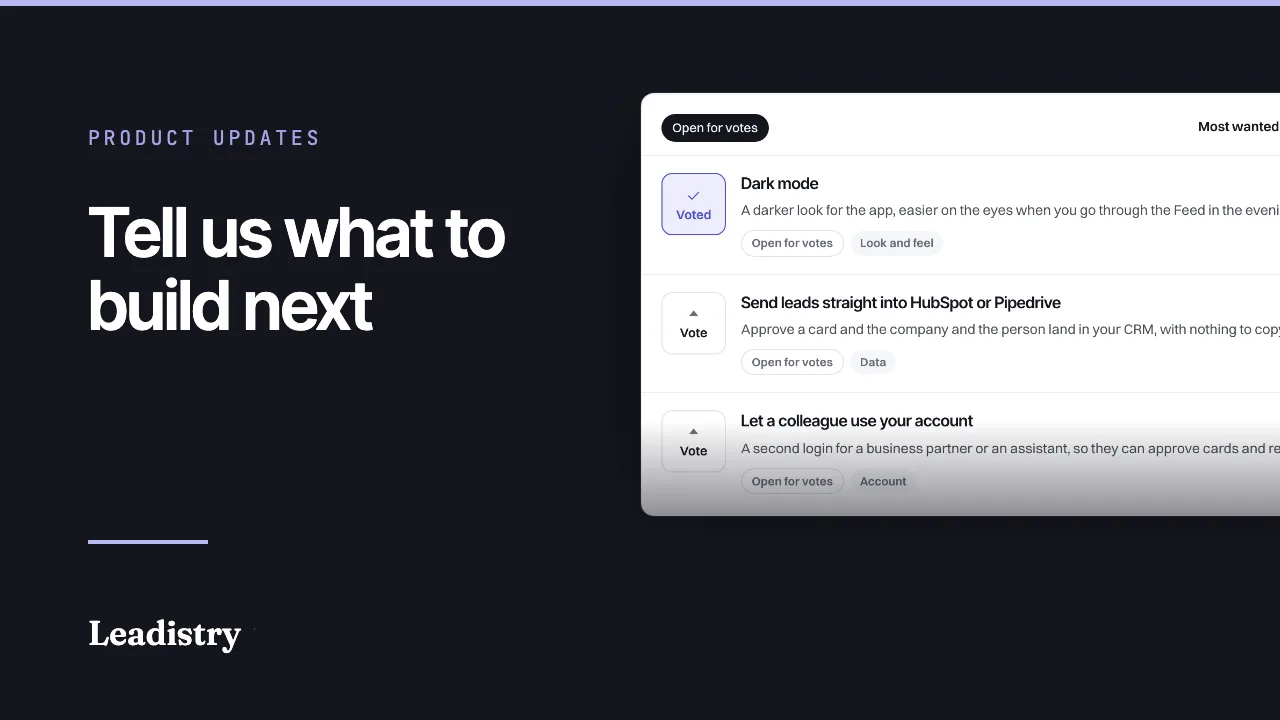
Leadistry now has a place inside the app for your ideas, your problems and your vote on what gets built next. Votes are private, nobody's name goes on the board, and every message gets an answer.
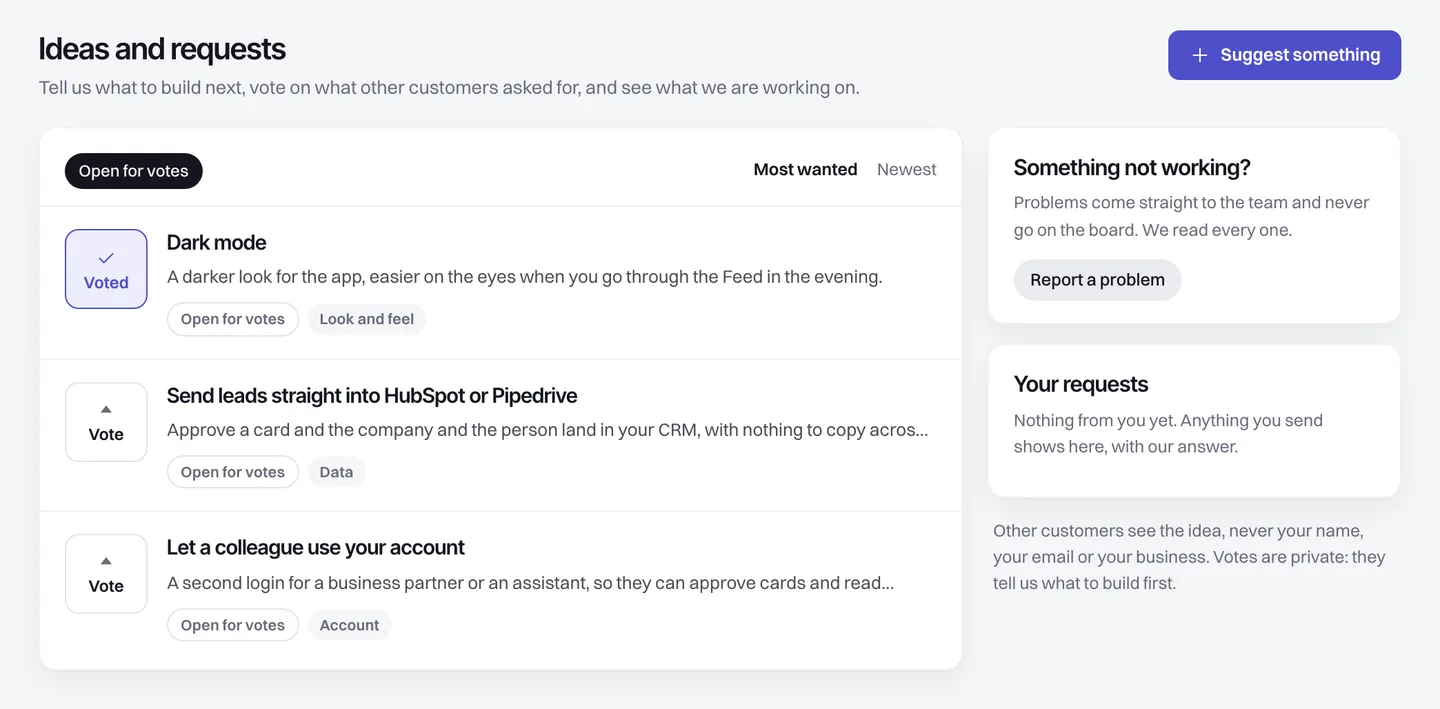
Ideas and requests sits in the sidebar of every account, under Set up. It does three things: it takes your idea, it takes your vote on ideas other customers sent, and it takes a problem straight to us in private.
What you can do with it
- Suggest something. Write a sentence about what would make Leadistry better for you. It reaches us with the page you were on, so you do not have to explain where you were.
- Vote. Anything we have published is open for votes. One vote per account, and you can take it back.
- Report a problem. Problems never go on the board. They come straight to us.
- Read the answer. Your requests, on the same screen, keeps what you sent with our reply under it. The reply arrives by email as well.
Three ideas are on the board today
- Send leads straight into HubSpot or Pipedrive. Approve a card and the company and the person land in your CRM with nothing to copy across. Today that runs through Zapier, Make or your own webhook.
- Let a colleague use your account. A second login for a business partner or an assistant, so they can approve cards and read replies without sharing your password.
- Dark mode. A darker look for the app, easier on the eyes when you go through the Feed in the evening.
If what you want is not there, send it. That is the whole point of the board.
Say who you sell to in a sentence. Each morning the UK companies that match, with the director named, the address tested and a first line written from the public record. 25 free leads, no card.
Votes are private, on purpose
Nobody sees how many votes an idea has, and that includes you. The board is ordered most wanted first, so the order is the only signal on screen.
Two reasons. A count turns a request into a popularity contest, and the quiet ones lose: an idea two people need badly is often worth more than one twenty people shrugged at. And a public count invites gaming. We can see the counts, because we have to decide what to build first, but they are ours to weigh, not a scoreboard.
The same thinking covers the names. An idea goes up only once we have written it in our own words, so nothing you typed is published as you typed it, and your business never appears next to it.
A problem is not an idea
Anything sent as a problem goes to us and only to us. It carries the page you were on, your plan and your browser, which is usually the difference between a same-week fix and three emails of back and forth.
You get an answer by email, and the same answer shows under Your requests inside the app, so it is still there next week when you want to check what we said.
Why we built it
We are a small team building for people who know their own trade far better than we do. Since the rebuild the product has decided its own order, and you found out afterwards. Requests arrived by email, answers went back by email, and neither the request nor the answer existed anywhere in the product.
A board fixes three things at once. It tells us what to build first from the people who actually use it. It shows you that what you sent was read, which is the part silence gets wrong. And it lets us say no in public, with a reason, instead of quietly not doing something.
What happens when something ships
Every idea carries its state: Open for votes, Planned, Being built, Shipped or Not doing. When one ships, it moves to Shipped because you asked at the side of the board, and if you allow product update emails we send you one. You can switch those off under Settings, Emails, at any time.
Where to find it
Sign in, then open Ideas and requests in the sidebar under Set up. If you would rather start with a question, the Help page still reaches a person, and it links to the board as well.
Not using Leadistry yet? Start free with 25 leads, no card, and tell us what it should do next.
Common questions
Can other customers see who suggested an idea?
No. The board shows the idea and nothing else. Your name, your email and your business never appear on it, and an idea only goes up once we have written it in our own words. What you send stays between you and us.
How many votes does an idea have?
You will not see a number, and neither will anyone else. The board is ordered most wanted first, so the order is the only clue. We can see the counts, because we need to know what to build first, but a count on screen turns a request into a popularity contest and buries the quiet ones.
What happens if my idea is already on the board?
When you start typing, anything similar already up for votes appears underneath with a Vote instead button. If you send it anyway, we add it as a vote for the idea that is already there rather than posting the same thing twice.
Will you build everything on the board?
No, and we say so on the board. An idea we are not going to build is marked Not doing with the reason underneath. Open email tracking is one: it needs a hidden image that pushes mail towards spam, and Apple Mail fakes most opens anyway, so we show replies instead.
Where do I find it?
Sign in and open Ideas and requests in the sidebar, under Set up. The Help page links to it too, and the Report a problem button reaches the same place.